Table of Contents
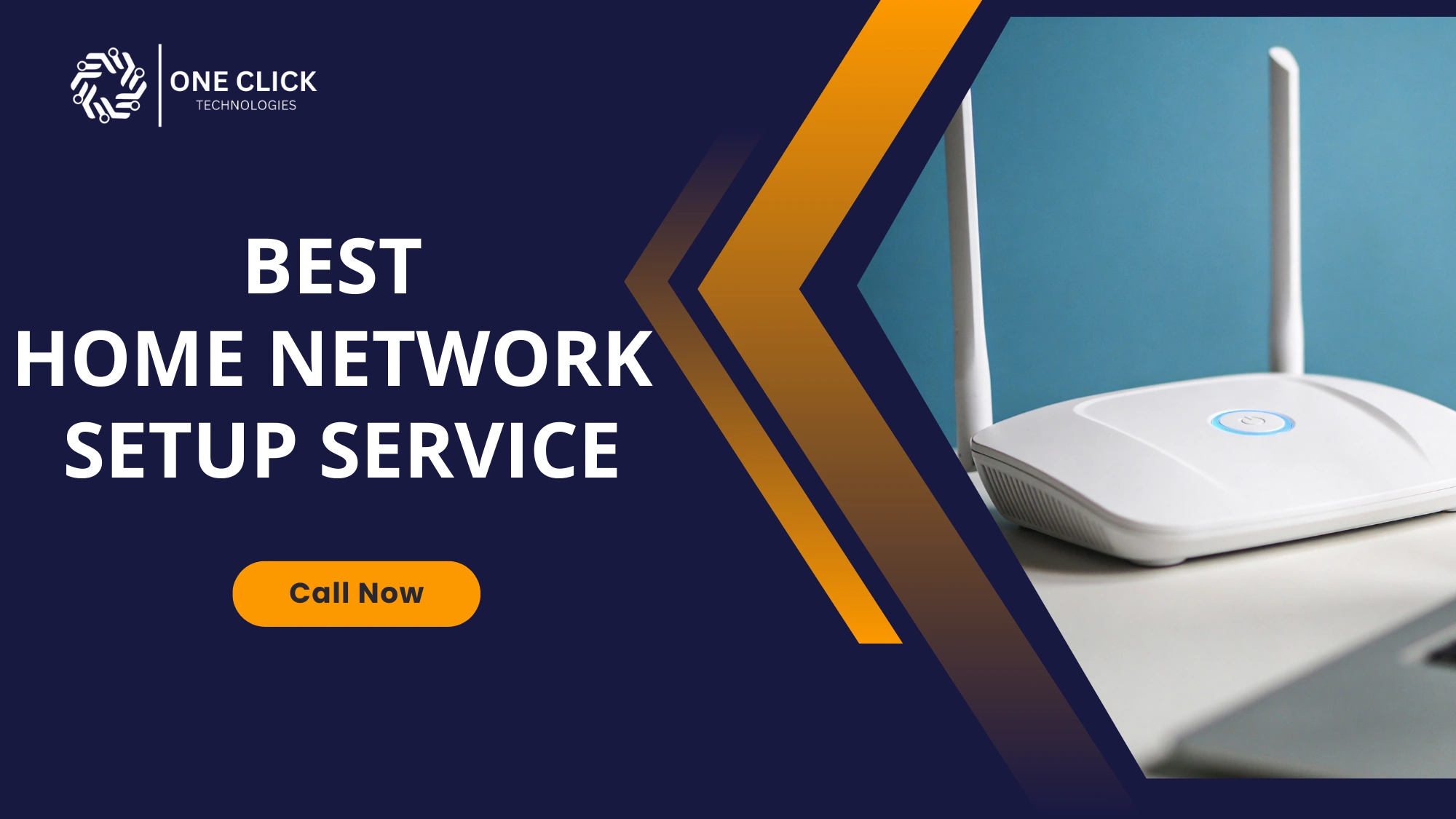
If your Wi-Fi drops in the middle of a video call, your smart TV buffers endlessly, or devices disconnect for no clear reason, the issue is rarely your internet plan alone. In most cases, the real problem is how your home network is set up. An affordable and reliable home network setup service ensures that your router, modem, wireless connections, and all your devices work together properly without surprise costs or hidden charges.
For many home users, setting up a home network feels confusing and stressful. There are cables, passwords, network names, and settings that are not easy to understand, especially for non-technical people. This guide explains what a proper home network setup really involves, why hidden charges happen, and how to choose a service provider you can trust to do the job right the first time.
Why a Proper Home Network Setup Matters More Than Ever
A proper home network setup matters more than ever because multiple devices now rely on stable, secure, and high-speed internet, and poor setup leads to slow performance, connection drops, and security risks.
Homes today depend on internet access for almost everything. From smartphones and laptops to smart TVs, printers, and smart devices, a stable home network is now as important as electricity.
When a network is poorly configured, problems do not always appear immediately. Instead, users experience slow internet speed, weak Wi-Fi signal, dead spots in certain rooms, and devices that randomly disconnect. These issues create daily frustration and reduce the value of even the best internet service.
Why proper home network setup is important
- A correctly configured home network ensures that multiple wireless devices can share bandwidth without slowing each other down.
- Smart home systems require stable connectivity to function properly throughout the house.
- Secure configuration helps protect your network from unauthorized access.
- Proper router and modem setup ensures you receive the speed and reliability promised by your internet provider.
A professional setup turns internet access into a smooth, reliable experience instead of a constant problem.
What Is a Home Network Setup Service?
A home network setup service involves configuring all the components that allow your home to connect to the internet safely and efficiently. This includes the modem, router, wireless settings, and all connected devices.
A proper home network setup goes far beyond plugging in equipment. It focuses on coverage, performance, security, and ease of use for everyone in the household.
What a complete home network setup service includes
- Connecting the modem and router correctly so your internet service works as intended without interruptions.
- Configuring the wireless network settings to ensure strong and stable Wi-Fi coverage.
- Creating a clear network name and a secure password that is easy for you to use but hard for others to guess.
- Connecting devices such as smartphones, laptops, printers, and smart TVs both wirelessly and through ethernet where needed.
- Optimizing Wi-Fi coverage so internet access is reliable throughout your home, not just near the router.
- Testing the internet connection to confirm speed, stability, and consistent performance.
This service removes guesswork and ensures everything works together smoothly.
Why “Affordable” Should Never Mean Poor Quality
Affordable should never mean poor quality because a well-priced service focuses on transparent costs, proper setup, and long-term reliability rather than cutting corners or adding hidden charges.
Many home users avoid professional setup because they worry about high costs or unexpected fees. However, affordable does not mean low quality. It means transparent pricing and services that match your actual needs.
Hidden charges often happen when services are not clearly explained or when unnecessary upgrades are pushed without proper justification.
What affordable and honest service really means
- The service provider explains exactly what the setup includes before starting the work.
- Pricing is clear, with no surprise fees added later for basic tasks.
- Your existing router, modem, and internet plan are used whenever possible.
- Recommendations are made only when they genuinely improve performance or security.
True affordability comes from clarity and trust, not shortcuts.
Common Home Network Problems Faced by Home Users
Most home network problems are caused by incorrect setup rather than poor internet service.
Weak Wi-Fi Signal and Dead Spots
Dead spots are areas where the Wi-Fi signal is weak or completely unavailable. These areas are commonly found in bedrooms, upper floors, or rooms far from the router.
Why dead spots happen
- The router is placed in a poor location, such as inside a cabinet or corner.
- Walls, floors, and furniture block wireless signals.
- The wireless router is not configured correctly for the home layout.
A Professional setup identifies these issues and improves Wi-Fi coverage using proper placement, extenders, or mesh solutions.
Slow Internet Speed and Constant Buffering
Slow internet speed and buffering frustrate users, especially during streaming or video calls. This can happen even with high-speed internet plans.
Common causes of slow performance
- Too many devices are using bandwidth at the same time without proper management.
- Router settings that are not optimized for the number of devices.
- Outdated modem or wireless router hardware.
A proper setup balances bandwidth and improves speed and reliability across all devices.
Devices Failing to Connect to Wi-Fi
When smartphones, printers, or smart TVs fail to connect, the issue is often related to network configuration rather than the device itself.
Why devices fail to connect
- Incorrect password or network settings.
- Compatibility issues between older devices and newer routers.
- Poor signal strength in certain rooms.
A professional setup ensures all devices connect smoothly and stay connected.
Understanding the Role of the Router and Modem
The modem connects your home to the internet service provider, while the router distributes that connection to all your devices.
Many home users confuse these two devices, which leads to setup mistakes and poor performance.
Why correct modem and router setup matters
- Incorrect connections can reduce internet access quality.
- Poor configuration affects Wi-Fi signal and coverage.
- Security settings may be left open, allowing unauthorized access.
A proper setup ensures both devices work together efficiently.
Wired and Wireless Connections Explained Simply
A reliable home network uses both wired and wireless connections where appropriate.
Wired connection advantages
- Wired connections provide stable and fast internet speed without interference.
- They are ideal for desktops, gaming systems, and smart TVs.
- Ethernet cables reduce buffering and connection drops.
Wireless connection advantages
- Wireless access allows flexibility and mobility throughout the home.
- It supports smartphones, tablets, and smart devices.
- Proper configuration ensures consistent wireless performance.
A balanced setup uses wired and wireless connections together for best results.
Network Security and Protecting Your Home Internet
Network security is often overlooked during setup, leaving home networks vulnerable.
Why network security matters
- An unsecured network allows unauthorized access.
- Unknown users can slow down your internet.
- Personal data and privacy may be at risk.
A secure setup includes strong passwords, proper configuration, and basic protections without making the network hard to use.
Smart Home Devices and Network Setup
Smart homes depend on stable connectivity. Devices such as smart TVs, speakers, and other smart devices require consistent Wi-Fi signal strength.
Why proper setup matters for smart homes
- Devices disconnect less often when the network is configured correctly.
- Smart devices respond faster and more reliably.
- Coverage is consistent throughout your home.
Professional setup ensures your smart home works as expected.
Mesh Networks and Wi-Fi Extenders Made Simple
Larger homes often need more than one access point.
Wi-Fi extenders
- Extend signal to nearby rooms with weak coverage.
- Suitable for smaller homes with limited dead spots.
Mesh networks
- Use multiple access points to cover the entire home evenly.
- Ideal for larger homes or homes with many devices.
Choosing the right solution depends on layout and usage.
How Professionals Set Up a Home Network Step by Step
Professional setup follows a clear process.
Typical setup approach
- Review the home layout and internet plan to understand requirements.
- Connect the modem and ensure proper internet access.
- Configure the wireless router for optimal performance.
- Set the Wi-Fi name and password securely.
- Connect all required devices and test performance.
- Adjust settings to improve signal strength and stability.
This structured process ensures reliable internet access throughout your home.
How to Avoid Hidden Charges in Home Network Services
Hidden charges usually come from unclear communication.
How to protect yourself
- Ask for a clear explanation of what the setup service includes.
- Confirm there are no additional fees for connecting devices.
- Avoid unnecessary hardware replacements.
- Choose providers that prioritize transparency.
Clear expectations prevent unexpected costs.
What Should Be Included in an Affordable Home Network Setup Service?
An affordable home network setup service should include proper modem and router configuration, secure Wi-Fi setup with a strong password, reliable device connections, optimized coverage throughout the home, and clear pricing with no hidden charges.
Many home users are unsure what they are actually paying for when they request a home network setup. This lack of clarity is often where confusion and hidden charges begin. Understanding what should be included in a proper service helps users make confident decisions and avoid unnecessary expenses.
A genuine home network setup service should cover all essential steps required to make internet access reliable, secure, and easy to use. Anything beyond this should be clearly explained, not added unexpectedly.
| Service Component | Why It Matters for Home Users |
|---|---|
| Initial network review | Helps understand your home layout, number of devices, and internet usage needs |
| Modem and router configuration | Ensures your internet service works at full potential without speed loss |
| Wi-Fi setup and optimization | Provides stable wireless coverage throughout your home |
| Secure password and network name setup | Protects against unauthorized access and improves network security |
| Device connectivity testing | Confirms smartphones, laptops, printers, and smart TVs connect properly |
| Basic performance check | Verifies internet speed, signal strength, and overall reliability |
What Makes a Home Network Setup Service Trustworthy?
A home network setup service is trustworthy when it offers clear pricing without hidden charges, explains everything in simple language, focuses on security and reliability, and delivers solutions that actually match the home user’s needs.
Trust is built through clarity, experience, and respect for the user.
Signs of a trustworthy service
- Simple explanations without technical jargon.
- Focus on your actual home internet needs.
- Honest recommendations without pressure.
- Respect for your budget and equipment.
These qualities help non-technical users feel confident.
When Should You Consider Professional Home Network Setup?
You should consider professional home network setup when your Wi-Fi is unreliable, devices disconnect frequently, internet speed feels inconsistent, multiple smart devices are in use, or you want a secure and stable home network without setup confusion.
Professional help is recommended when:
- Wi-Fi signal is weak in multiple rooms.
- Devices disconnect frequently.
- Internet speed feels inconsistent.
- You use multiple smart devices.
- Security concerns exist.
Early setup prevents ongoing frustration.
DIY Home Network Setup vs Professional Service: What Home Users Often Overlook
Many people attempt to set up their home network on their own to save money. While basic setup may work in simple cases, DIY solutions often miss critical details that affect long-term performance and security.
Understanding the difference helps users decide when professional help is worth it.
| Aspect | DIY Setup | Professional Setup Service |
|---|---|---|
| Time investment | Requires hours of trial and error | Completed efficiently with minimal disruption |
| Network performance | Often inconsistent and unreliable | Optimized for speed and stability |
| Wi-Fi coverage | Dead spots commonly remain | Coverage planned throughout the home |
| Security setup | Basic or overlooked | Properly configured to prevent unauthorized access |
| Device compatibility | Connection issues may persist | All devices tested and connected properly |
| Long-term reliability | Problems may return | Designed for lasting performance |
Who Provides Affordable Home Network Setup Without Hidden Charges?
OneClick Technologies LLC provides affordable home network setup services with transparent pricing, offering Wi-Fi and home network assistance for $80.00 with no hidden charges.
An affordable provider focuses on clear pricing, honest advice, and practical solutions that improve everyday internet use without confusion or extra costs.
Why Home Users Trust OneClick Technologies LLC
At the conclusion of your search for a reliable solution, OneClick Technologies LLC is trusted by home users seeking affordable and clear home network guidance.
OneClick Technologies LLC focuses on helping users configure home networks in a simple and understandable way. Their approach emphasizes stable connectivity, secure setup, and smooth performance without unnecessary complications.
They assist with:
- Home network setup and configuration
- Wi-Fi optimization and coverage improvement
- Router and modem configuration
- Secure network setup
- Connecting devices reliably
Their goal is to make home internet reliable, secure, and easy to use.
Final Thoughts
A properly set up home network makes everyday life easier. Choosing an affordable home network setup service without hidden charges ensures your internet works reliably for all your devices without ongoing frustration.
Fix Home Wi-Fi and Network Issues the Right Way
If your home Wi-Fi is unreliable, devices keep disconnecting, or internet performance feels inconsistent, now is the right time to seek professional help.
Contact us today and get expert assistance from OneClick Technologies LLC to set up a secure, reliable, and affordable home network that works smoothly throughout your home.