
Printer Setup Service
Having trouble connecting a printer to your computer, laptop, or home Wi-Fi? OneClick Technologies LLC provides remote printer setup service to help home users install a new printer, configure wireless printing, install the right drivers, and fix common connection problems. Get help from home without the hassle of taking your devices to a repair shop.
- ☑ Connect your printer to your computer and Wi-Fi
- ☑ Get printing and scanning working properly

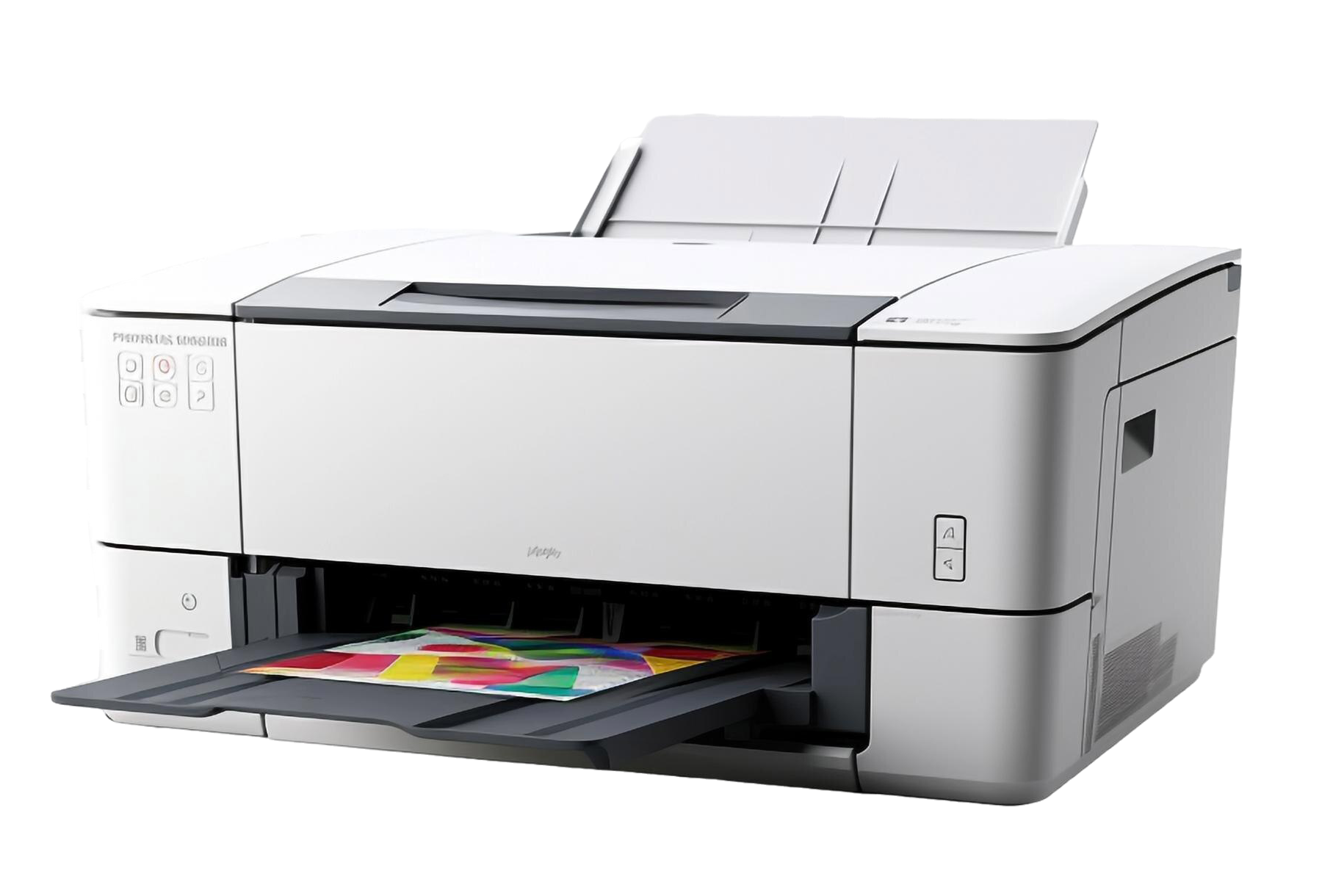
Printer Not Working? Get Help Setting It Up at Home
A printer should make everyday tasks easier, whether you are printing school assignments, travel documents, bills, work files, or family photos.
- When your printer will not connect to your computer or Wi-Fi, even a simple task can become frustrating.
- You may see error messages, find that your computer cannot detect the printer, or discover that documents remain stuck in the printing queue.
- These problems can happen because of incorrect settings, missing printer drivers, wireless connection issues, or changes to your computer.
- Trying random fixes may lead to more printer issues or cause you to change settings you do not understand.
- OneClick Technologies LLC helps home users resolve printer setup and configuration problems through remote support, with technicians who guide you through the process, check the connection, and help get your printer ready for everyday use.
Why Homeowners Need Professional Help With Printer Setup
Setting up a printer involves more than plugging it in.
The printer must communicate properly with your computer, laptop, or wireless network before you can print or scan documents reliably.
Incorrect driver installation or network settings can prevent your device from recognizing the printer, and professional printer installation helps identify these problems without relying on trial and error.
Printer setup is also a common challenge when replacing an old device, changing internet providers, or connecting a wireless printer to a new computer.
A technician can help you understand what needs to be changed and why.
With remote tech support, you can receive assistance from home without visiting a repair counter or waiting in line, and OneClick focuses on practical solutions that help you return to your regular printing tasks.
Tired of Trial-and-Error Printer Fixes?
Let a OneClick technician check your printer connection remotely and get it ready for everyday printing.
Printer Connection, Wi-Fi, Driver, and Scanning Issues We Fix Remotely
If your printer is showing any of the following symptoms, our remote support team can help identify the cause and guide you through the appropriate fix.
Your PC or laptop may not recognize the printer because of a connection problem, missing driver, or incorrect device setting.
A wireless printer may disconnect after a router change, Wi-Fi password update, or network setting change, preventing documents from reaching the printer.
When print jobs remain pending or repeatedly fail, you may be unable to print important documents until the queue or underlying issue is resolved.
Printer drivers help your computer communicate with the printer, and an incorrect or outdated driver can cause printing errors or missing features.
Some printer models include scanning features that need separate software or configuration, so incorrect settings may prevent you from scanning documents to your computer.
A new printer may require software installation, wireless configuration, and a test print before it is ready for regular use.
New, Wireless, and Mobile Printer Setup and Driver Installation Services
Our printer setup services help home users connect their devices, resolve configuration problems, and make everyday printing easier.
Get help setting up a new printer and connecting it to your computer or home network.
Configure a wireless printer for printing over your home Wi-Fi connection.
Install compatible printer drivers and software so your computer can communicate with the device.
Troubleshoot common printer issues, including connection errors, failed print jobs, and device detection problems.
Ready to Get Your Printer Connected?
From new printer setup to wireless configuration and driver installation, our remote team can help you get printing again.
Printer Setup for HP, Canon, Epson, and Other Brands
Whether you have an HP, Canon, Epson, or another major printer brand, the setup process depends on the model, computer, and connection type.
- Our technician can help you configure a compatible printer for Windows or macOS.
- We check whether the correct software is installed.
- We can also assist with supported mobile printing features, wireless printing, and printer configuration for a home office.
- If your printer has a recurring error or appears to need a repair service, we can help troubleshoot the issue remotely and explain the next practical step.
- Physical hardware faults may require a separate repair provider.
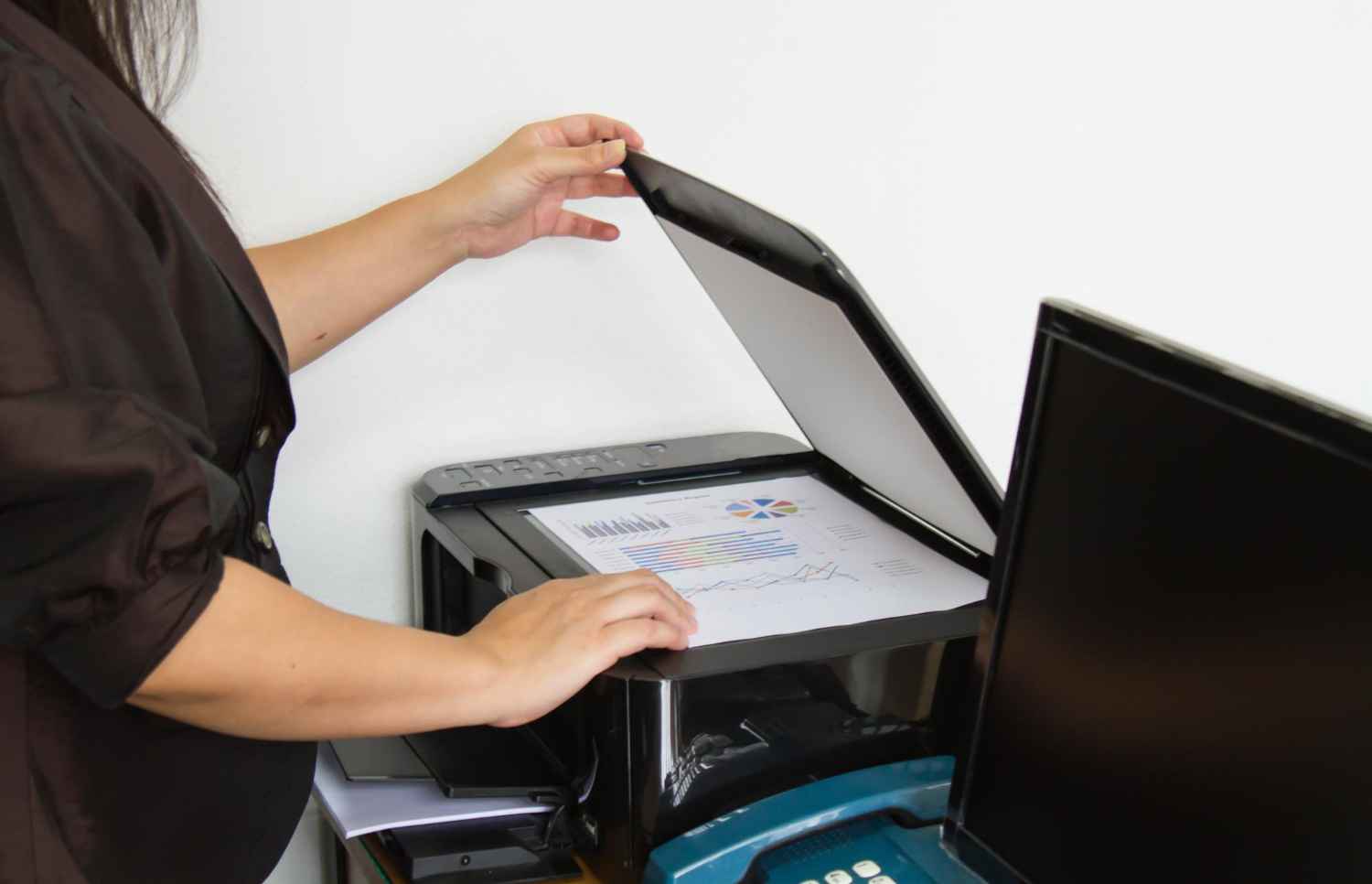
What You Get From Professional Printer Setup
A properly configured printer makes it easier to print documents and use supported features without repeatedly changing settings or searching for solutions online.
Connect your printer to the appropriate computer, laptop, or supported Wi-Fi network.
Check that compatible printer software and drivers are installed where needed.
Configure the available settings and perform a test print when supported.
Check supported scanning and mobile printing options for your devices.
Understand the settings changed, how to use the printer, and what to do if the same problem returns.
Have an HP, Canon, Epson, or Other Printer?
Tell us your printer model and device, and a technician will help you complete the right setup for it.
How OneClick Technologies LLC Sets Up Your Printer
Our process is designed to make printer setup straightforward, even if you are not comfortable changing computer settings.
Call us or book a consultation to explain your printer model and the issue you are facing.
A technician reviews the connection, computer settings, printer status, and any error messages.
With your permission, the technician helps configure the printer, install compatible drivers, and resolve supported connection issues remotely.
Where possible, we check printing and any relevant scanning or wireless features to confirm they work as expected.
You receive a simple explanation of the changes made and any remaining steps or recommendations.
Need help with a new printer? Call OneClick Technologies LLC at +1 888-508-2226 to discuss your setup needs.
Why Choose OneClick for Printer Setup?
OneClick Technologies LLC provides practical remote support for home users who want clear guidance and help getting their printer working without unnecessary complications.
Get help through a remote session where the issue can be resolved without an on-site visit.
Receive explanations in everyday language without needing advanced computer knowledge.
Get help with compatible printer connections on Windows, macOS, and supported mobile devices.
Choose a one-time support incident or consider an annual plan for help with multiple devices.
Ask about related computer repair consultation, computer tune-up, Wi-Fi and home network assistance, data backup, and other home technology support services.
Get Printer Help Without Leaving Home
Single-Incident Support starts at $59.99. Call or book a consultation to discuss your printer setup.
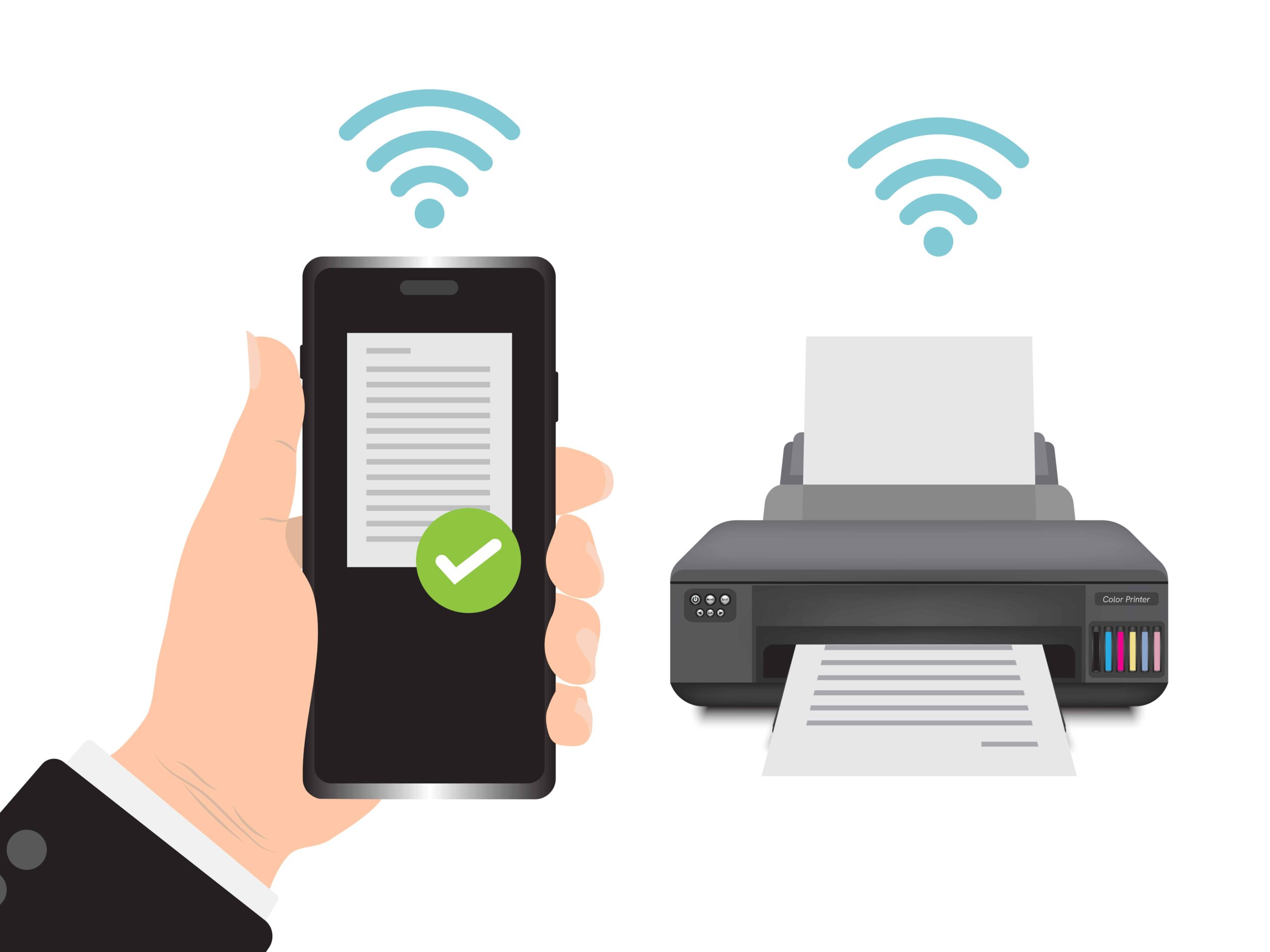
How We Protect Your Privacy and Personal Data During a Remote Session
Remote support should be handled carefully, especially when a computer contains personal documents, family photos, or private information.
- Your Permission Comes First: Understand the purpose of the remote session and approve access before the technician begins.
- Stay Informed During Support: You can ask questions and follow the steps as your printer is configured.
- Protect Personal Information: Close private documents and other sensitive windows before sharing your screen whenever possible.
- Use Appropriate Access Controls: Follow the remote access tool's security prompts and avoid sharing passwords unnecessarily.
- Review Changes Before Finishing: Ask the technician to explain important settings changes and any recommended next steps.
Computer Tune-Up, Wi-Fi, Driver, and Data Backup Support for Your Home
Printer problems can sometimes be connected to other computer or network issues, so OneClick also offers support for related home technology needs.
Get help addressing supported performance issues that affect everyday computer use. Learn more about Computer Tune-Up
Get help with supported wireless connection and home network configuration problems. Learn more about Wi-Fi and Home Network Assistance
Configure a new computer and help prepare it for everyday tasks. Learn more about New Computer Setup
Get help identifying and resolving supported driver installation or compatibility problems.Learn more about Driver Issues
Explore backup options to help protect important documents and personal files. Learn more about Data Backup
Printer, Wi-Fi, or Computer Problems?
Talk to a technician about your devices and choose the support option that fits your needs.
What Clients Say About Our Printer Setup Service
See how our remote technical support helps home users resolve printer setup issues and get back to their daily tasks.
"I was having trouble connecting my new printer to my home Wi-Fi. OneClick helped me set it up and connect it to my computer so I could print my documents without any hassle."
"My computer was not recognizing my printer, and I could not print important work documents. The technician helped me check the settings and install the correct printer drivers remotely."
"I needed help setting up my wireless printer and getting it to work with my laptop. The support was convenient, and the instructions were easy to understand."
Frequently Asked Questions About Printer Setup
1. Can you help me set up a new printer remotely?
Yes, we can help with compatible printer setup remotely, including software installation, computer connection, and supported wireless configuration.
2. Can you set up a wireless printer?
Yes, we can help configure a compatible wireless printer to connect to your home Wi-Fi network and supported devices.
3. Do you support HP, Canon, and Epson printers?
We can assist with setup and troubleshooting for compatible models from HP, Canon, Epson, and other printer brands.
4. Can you install printer drivers on my computer?
Yes, we can help install compatible printer drivers and software so your computer can communicate with the printer.
5. Can you fix a printer that is offline?
We can troubleshoot common offline printer problems, including connection settings, network access, and computer configuration. The exact solution depends on the cause.
6. Can I print from my phone or tablet?
In many cases, yes. We can help configure supported mobile printing features based on your printer model and device.
7. Do you provide printer setup for Windows and Mac?
Yes, we support compatible printer setup on Windows and macOS computers, depending on the printer model and software availability.
8. How much does printer setup cost?
Single-Incident Support starts at $59.99 per incident. The final cost and scope of assistance depend on the issue and the service selected.
9. Do I need to take my printer to a repair shop?
Not for issues that can be resolved remotely. If troubleshooting identifies a physical hardware fault, you may need a separate hardware repair provider.
10. Can you help if my printer still does not work after setup?
Yes, we can help investigate supported configuration and connection problems. If the issue is caused by a hardware fault or another limitation that cannot be fixed remotely, we will explain the next steps.
Get Help Setting Up Your Printer
Get practical help connecting your printer, configuring wireless printing, and resolving common setup problems with OneClick Technologies LLC. Our remote support team can discuss your issue and help you choose the right service.


