Table of Contents
Before you compare options for remote IT support for small businesses, pull up your last three IT invoices and answer one question: what did each line item actually prevent or fix?
Many small businesses signed a managed IT services contract years ago, when everyone sat in one office and a technician needed to visit to fix anything. The modern business runs on laptops, home offices, and cloud apps. The bill often hasn’t caught up.
This guide answers two questions: how to tell if your current IT provider is too expensive, and when switching makes financial sense.
Key Takeaways
- Your IT provider is likely too expensive if most of your bill covers reactive fixes and site visits.
- Switch when costs rise, fixes slow down, or your team works remotely.
- The benefits of remote support show up as faster fixes and fewer outages, not just lower bills.
- Monitoring prevents outages, while reactive-only technical support just responds to them.
- Businesses with local servers or frequent hardware issues benefit from a hybrid model.
How Do You Know If Your Current IT Provider Is Too Expensive?
Your IT provider is too expensive when most of your bill pays for reactive fixes and site visits instead of prevention. The quickest test is to sort your spend into three buckets: reactive fixes, prevention, and projects.
Sort the last 90 days of invoices or tickets into these buckets:
- Reactive: something broke and someone fixed it (login failures, crashed apps, printer errors)
- Preventive: security patches, backups, monitoring, software updates
- Projects: new laptops, office moves, rolling out new software
A healthy split for small companies leans toward prevention. When 80% of your spend is reactive, your managed service provider earns more when things go wrong.
See what you could save. Book a free IT cost review with OneClick Technologies LLC.
What Is Remote IT Support for Small Businesses, and Why Does It Cost Less?
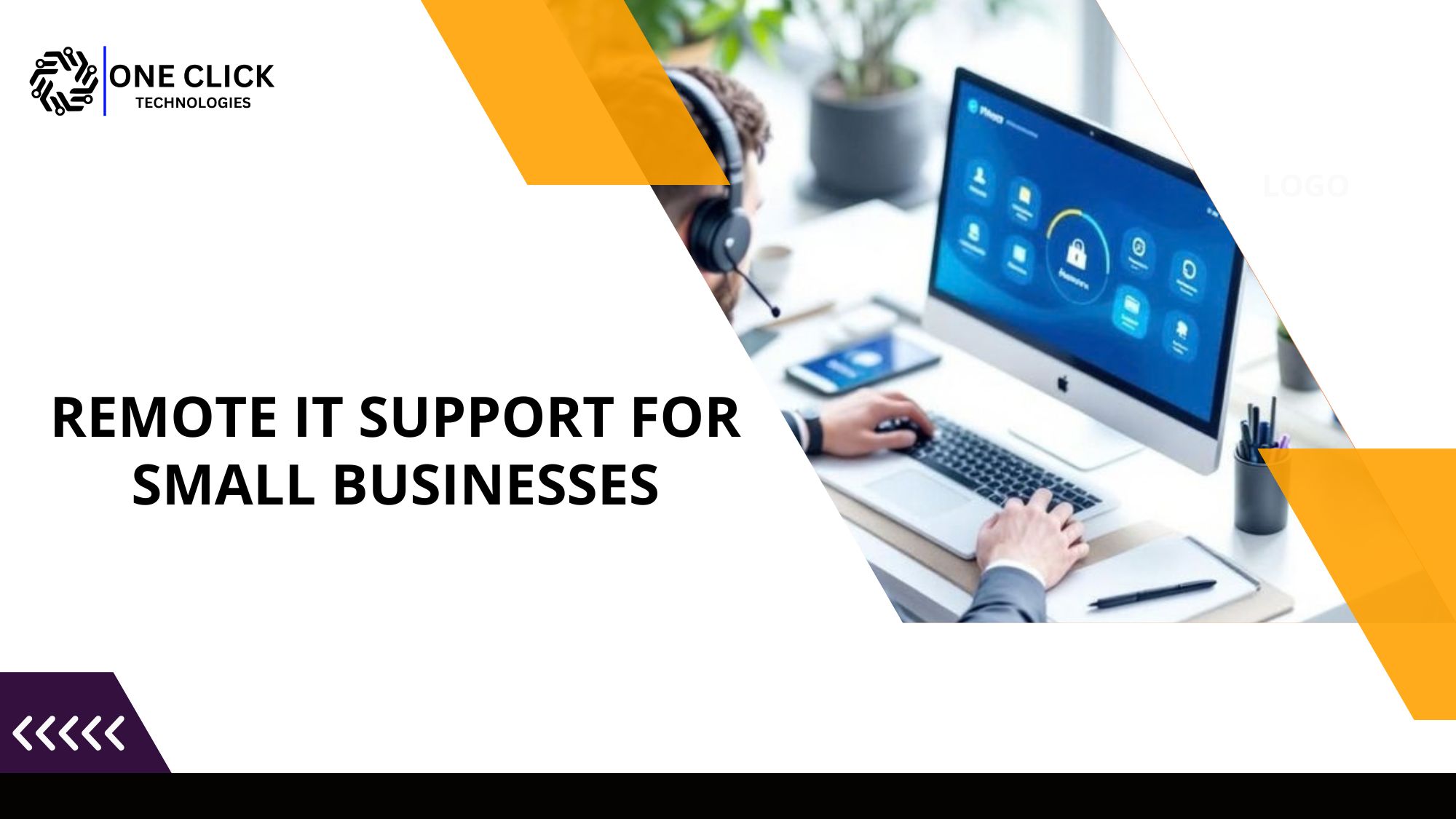
It costs less because there’s no travel, no call-out fees, and one technician can resolve far more tickets per day. A remote technician connects to your computer or network through an encrypted remote desktop session, diagnoses the problem live, and fixes it while you watch. No office visit is needed for most technical issues involving accounts, networks, and software.
A typical support request looks like this:
- You contact the help desk by phone, chat, or ticket.
- A technician sends a secure session link, and you approve the connection.
- They troubleshoot on screen, explaining what they’re doing.
- The fix is tested before the session closes.
Sessions can be attended, where you approve each connection, or unattended remote access for logged after-hours updates.
Remote desktop support is just one part. Full remote IT support services provide service desk coverage, endpoint protection, backup, and remote monitoring, usually for one flat monthly fee instead of hourly billing.
Talk to a real technician, not a ticket queue. OneClick Technologies LLC can review your setup and show you what remote support would cover.
Is Remote Support Cheaper Than On-Site IT? Which Type of Support Fits Your Business Needs?
Yes, for most day-to-day issues. Industry pricing data puts managed on-site plans at roughly $100 to $200 per user per month, while break-fix technicians often bill $120 to $180 per hour. Remote support suits teams that rely on cloud services and laptops. Most businesses need remote assistance day to day, with occasional hands-on repair.
| Factor | On-site IT | Remote IT support |
|---|---|---|
| Typical response | Scheduled visit, often next day | Minutes to hours |
| Travel and call-out fees | Common | None |
| Covers remote workers | Rarely, without extra cost | Yes, anywhere with internet |
| After business hours | Premium rates | Often included or lower cost |
| Physical repairs | Yes | No, needs a local partner |
| Monthly cost | Higher | Often a fraction of the cost |
The comparison that matters most is downtime. ITIC research estimates an hour of downtime costs firms under 25 employees roughly $100,000 once lost sales and idle staff are counted. Waiting a day for a site visit is rarely as cheap as it looks.
When Should You Switch to Remote IT Support? 6 Signs Your Small Business Is Ready
Switch when you’re paying more each year but getting slower fixes, your team works partly or fully remote, or you’ve become the unofficial IT person. Any one of these means you’re overpaying for the support you get.
- You’re the IT department. You reset passwords yourself because it’s faster than calling customer support.
- New hires wait days for a working laptop. Setting up a new user should take hours, not a week.
- Customers tell you about outages before your provider does.
- Your team went hybrid or fully remote, but your provider ignores the remote work environment.
- You get no reporting on which devices are patched or backed up.
- Small issues linger. A slow remote computer waits weeks for “the next visit.”
Each of these is a hidden cost. They chip away at business operations and, eventually, at the customer experience your clients notice.
Recognize three or more of these signs? Let’s fix the root cause, not just the symptoms.
Will Switching to Cheaper Remote Support Mean More Downtime?
No. A good remote plan usually means less downtime, because remote monitoring tracks disk health, failed updates, security alerts, and backup status on every endpoint, so a technician can act before a minor fault becomes an outage. Lower cost doesn’t have to mean less protection.
Proactive support ensures problems like these get caught early:
- A laptop that hasn’t installed security patches in two months
- A backup job that has silently failed since last Tuesday
- Repeated failed logins that could signal an attempted breach
This is where reliable remote support earns its money. Using remote tools this way helps small businesses keep technology running smoothly between tickets, protects business continuity, and gives you a tested disaster recovery path if something serious happens. For many small businesses, this prevention layer is exactly what their more expensive current plan is missing.
Is It Safe for Business Owners to Switch to Remote Support?
Yes. Secure remote access is safe when the provider uses encryption, requires your approval, enforces multi-factor login, and logs every session. The risk comes from unknown callers and unmanaged tools, not from remote access and support itself.
Security is the most common reason business owners delay switching, and it’s a fair concern. Fake remote tech support calls are a common scam. Here’s how to tell a legitimate provider apart before you switch:
| Legitimate provider | Red flag |
|---|---|
| Session uses encryption and needs your approval | They pressure you to install unknown software |
| Clear access controls and session logs | No record of who connected or when |
Good cybersecurity also means limiting access to critical systems to only the technicians who need it.
Want IT support you can actually trust? Every OneClick session is encrypted and permission-based.
How Do You Switch IT Providers Without Overpaying Again?
Get every quote from support providers in writing and compare what’s actually included. Ask about response times, what’s included, how security is handled, and how they’ll onboard you. The right remote IT support partner answers clearly, puts it in writing, and shapes the plan around your technology needs and business goals.
Use these questions on every quote, then add any tied to your specific needs:
- What is your guaranteed first-response time?
- Which devices and users does the monthly price cover?
- Is monitoring, patching, and backup included, or extra?
- Do you support remote workers on home networks?
- How do you handle hardware that needs on-site technical assistance?
- Can I see reviews from small business owners like me?
A provider that dodges question 2 or 3 is selling a support solution that tends to produce surprise invoices later. You can compare OneClick’s support plans, see results from client case studies, and read what customers say before deciding.
When Should You Not Switch to Remote IT Support?
Stay with on-site help, or move to a hybrid plan, if your business depends on local servers or frequent hardware repairs. Remote support isn’t enough on its own if your business depends on on-premise servers, specialized hardware, or frequent physical repairs. In those cases, a hybrid model that pairs remote support services with local repair works better.
Switching in these cases may not save money. Being honest here helps you choose the right IT support. Examples where hands-on help still matters:
- An office with its own server room
- Cracked screens, failed power supplies, or damaged cabling
A hybrid setup handles software tickets remotely and books local help only for hardware. That keeps operational costs low as the business grows. If a device does need repair, OneClick can still help diagnose it first through its computer repair service, so you only pay for parts and labor you actually need.
Not sure which model fits? Get an honest recommendation, even if it isn’t fully remote.
Conclusion: Is It Time to Switch?
The right IT partner costs less over time because fewer things break, which feeds business success. So, is your current IT provider too expensive? If your bills keep rising while the same problems return, the answer is probably yes, and it’s time to switch. For cloud-based and hybrid teams, remote IT support for small businesses is often the clearer path to fewer outages and steadier costs, a practical way of growing your business without adding IT headcount.
OneClick Technologies LLC provides secure, remote-first IT support for businesses, including monitoring, backup, cybersecurity, and help desk coverage for small companies across the US. Tell us what you pay today and how you need us to support your business, and we’ll show you where the money is going and what a better-fit plan looks like.
Frequently Asked Questions
How much should a small business pay for IT support?
Most pay roughly $100 to $200 per user per month for managed plans. Remote plans often cost less. Small business IT support at any price should include help desk support, device setup, software updates, security monitoring, backups, and network troubleshooting. Plans differ, but the goal is the same: to help small businesses manage technology without in-house staff.
Will I lose any coverage by switching to remote IT support?
Usually not. Most providers provide remote help for Windows, macOS, and Chromebooks, along with phones, tablets, and printers. OneClick offers computer support for all major platforms and printer troubleshooting.
How fast can I switch to a new IT provider?
Most small offices switch within two to four weeks. Collect admin passwords, confirm backups, and overlap providers briefly. That overlap helps businesses avoid gaps.
Do remote IT providers support home offices too?
Yes. Remote support works across today’s work environments. OneClick also offers home IT support for owners who work from home.