Table of Contents
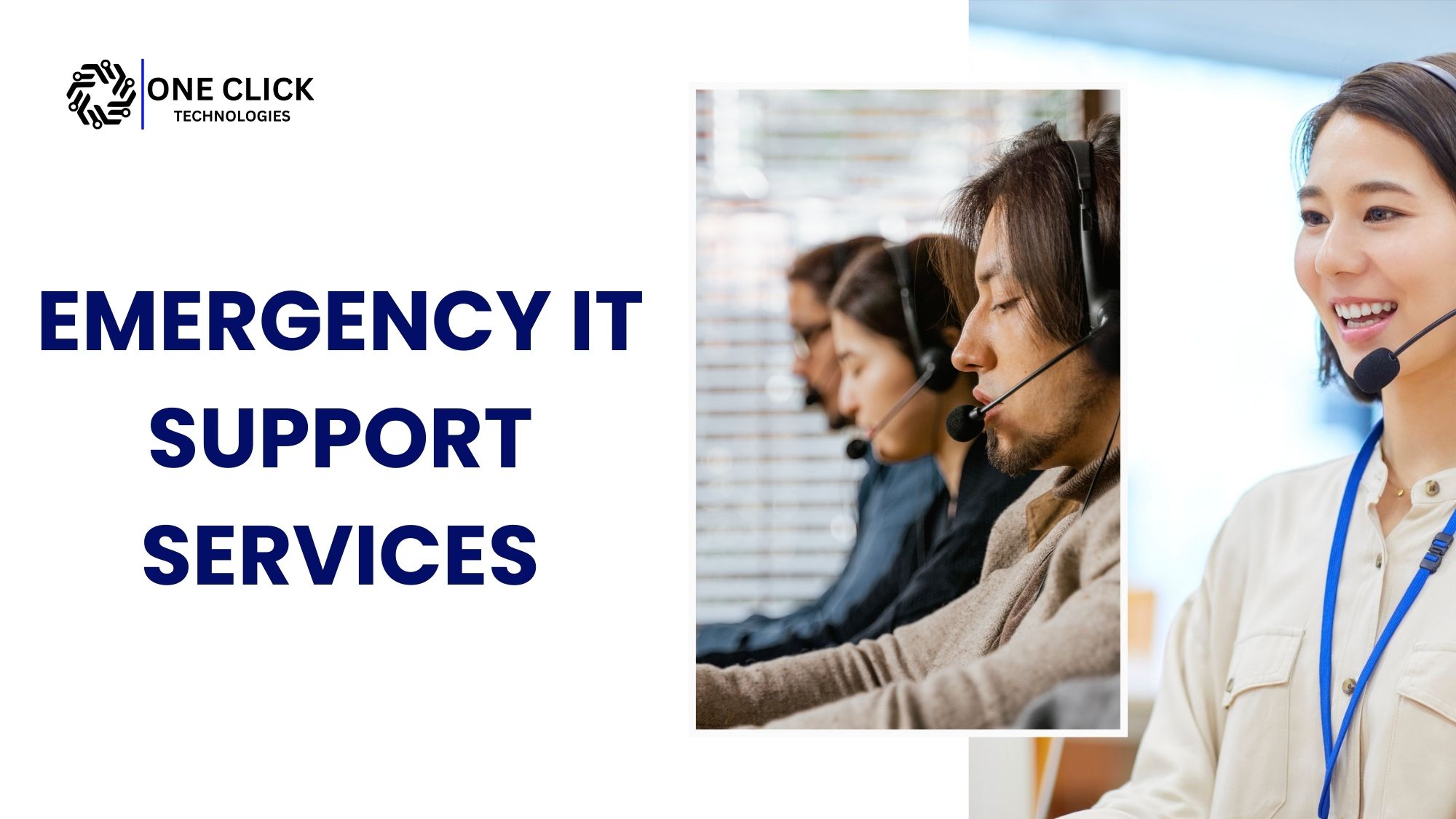
When your computer crashes during a Zoom call or your business server fails at midnight, waiting for regular support hours isn’t an option. You need help right now. That’s why emergency IT support services exist to provide immediate technical assistance whenever your devices or systems stop working, whether you’re at home or running a business.
This blog will show you everything you need to know about getting reliable, fast, and professional emergency support. Whether you’re a small business owner, remote worker, or everyday tech user, you’ll discover how to resolve urgent technical issues without panic.
What is Emergency IT Support Services?
Emergency IT support means immediate technical help when critical IT systems break down. Unlike regular support that runs on schedules or tickets, emergency services respond on-demand, anytime.
Emergency IT support services are on-demand, rapid-response technical support solutions tailored to resolve urgent, business-critical technology issues. These services are essential when your systems crash, your files go missing, or your connection drops, and there is no time to wait.
It covers urgent problems such as:
- Email and communication systems going offline
- Network crashes disrupting internet and communication
- Malware or ransomware attacks locking your data
- Server failures that stop applications from running
Read: Where Can I Find Managed IT Support for Cybersecurity Protection Services?
Why Businesses Need Emergency IT Support & Services
Businesses need emergency tech support & services to quickly resolve critical tech failures, minimize downtime, and keep operations running smoothly.
We live in a world that relies on always-on digital systems. An emergency IT situation can lead to major setbacks like halted operations, missed opportunities, or compromised data. Here’s why having instant access to IT help is crucial:
- Security breaches can leak sensitive data and expose you to legal or reputational risk.
- System downtime can halt business operations, delaying projects or transactions.
- Technical malfunctions like software crashes or hardware failures can affect performance and customer experience.
Emergency support ensures that problems are addressed immediately, protecting your systems, your brand, and your peace of mind.
Emergency IT Support vs Standard IT Support: What’s the Difference?
Many businesses assume that every IT issue requires the same level of support. However, emergency IT support is designed for critical situations where system downtime directly impacts business operations, while standard IT support focuses on routine maintenance and scheduled troubleshooting.
| Emergency IT Support | Standard IT Support |
|---|---|
| Immediate response for critical IT issues | Scheduled assistance for non-urgent problems |
| Focuses on restoring business operations quickly | Focuses on routine maintenance and updates |
| Handles server failures, cybersecurity incidents, and network outages | Resolves everyday software and hardware issues |
| Prioritizes minimizing downtime | Prioritizes long-term system performance |
| Available for unexpected IT emergencies | Typically handled during normal support hours |
If your business cannot operate because of a server crash, network outage, cybersecurity incident, or business application failure, emergency IT support provides the rapid assistance needed to restore operations as quickly as possible.
Types of Emergencies We Can Help With
Here are common scenarios where emergency IT support makes all the difference:
1. Server or Network Outages
A failed server or a disconnected network can paralyze your office or home workspace. Emergency IT experts swiftly diagnose network failures, reroute systems if necessary, and restore service.
2. Virus or Ransomware Attack
Malicious software like ransomware can lock you out of your data. Emergency support isolates infected machines, removes malware, and initiates data recovery from backups to restore operations.
3. Email or Software Failure
Email is the backbone of communication. When Outlook or Microsoft 365 apps crash, IT support teams reconfigure, reinstall, or repair broken programs so you can resume normal workflows.
4. Hardware Failures
Sudden hard drive, printer, or PC malfunctions need urgent care. Support teams repair and verify that the device is safe and operational.
5. Data Loss or Recovery
Lost your documents or business files? Emergency services include retrieving lost data, creating fresh backups, and protecting files from further risk.
6. Connectivity Issues
Your work depends on internet access. When Wi-Fi or wired networks fail, technicians can reset your router, adjust network settings, and reconnect all devices.
Who Needs Emergency IT Support Services?
Emergency IT support services are needed by businesses of all sizes that can’t afford downtime during sudden tech failures like server crashes, network outages, or cyberattacks.
Small Businesses (SMEs)
Without an in-house IT team, small businesses are most vulnerable to downtime. Emergency services ensure they stay online, protected, and productive.
Remote Workers
Your home office is only as good as your tech setup. Remote professionals rely on support for connectivity, device, and software issues that can block them from getting work done.
Home Users
You might not run a business, but if your system fails when you’re doing banking, attending virtual school, or hosting an online event, it can be frustrating. Emergency help brings quick relief.
Read: The Role of Home IT Support in Enhancing Your Home Office Setup
Enterprises and Corporates
Larger firms need scalable, responsive solutions for cybersecurity incidents, hardware failures, or system crashes across departments. Emergency support ensures rapid resolutions.
Features of a Good Emergency IT Support Service
The best support providers offer more than just availability. Here’s what to look for:
1. Quick Availability
Tech issues don’t follow a schedule. Choose a provider offering quick availability.
2. Rapid Response Time
Every minute counts during an emergency. Look for teams that guarantee a response within 1-2 hours or faster.
3. Remote Support
Some issues can be fixed virtually. A hybrid support option ensures flexibility and full coverage.
4. Experienced IT Professionals
The team should consist of trained experts capable of handling everything from network errors to server failures and cyberattacks.
5. Transparent Pricing
A trustworthy provider will explain costs clearly before beginning any work. Flat-rate emergency fees or time-based billing with no surprises is ideal.
6. Data Security Compliance
Handling emergencies often involves access to sensitive data. Providers should use encrypted tools and follow strict protocols to ensure data security.
How Emergency IT Support Works
Here’s a step-by-step look at how most emergency support processes operate:
Step 1: Call or Submit a Request
Describe your issue through a support number, website form, or emergency ticket.
Step 2: Issue Assessment
The support team performs triage to understand the problem, its urgency, and its possible impact on operations.
Step 3: Immediate Remote Support
If possible, the technician connects via remote access software to start real-time diagnostics and apply quick fixes.
Step 4: Post-Resolution Support
After solving the issue, you receive documentation, recommendations, and preventive advice to avoid similar issues in the future.
To know about: Slow Wi-Fi & Tech Issues? The Best Home IT Services to Fix Everything Fast!
Examples of Common Emergency IT Scenarios
Scenario 1: Ransomware Attack
A law firm is locked out of client files due to a ransomware infection. The emergency team shuts down the threat, removes malware, restores data from backups, and patches security gaps.
Scenario 2: The Internet Goes Down Before a Virtual Meeting
A teacher preparing for an online class loses internet access. An IT technician remotely configures the router, resets DNS settings, and gets the system back online in under an hour.
Scenario 3: Office Printer Stops Working
A sales office relies on one printer for daily contracts. When it stops working, a local technician identifies a hardware fault, installs a replacement part, and restores function the same day.
Can Emergency IT Support Be Provided Remotely?
Yes. Many emergency IT issues can be diagnosed and resolved remotely, allowing businesses to restore critical systems without waiting for an onsite visit. OneClick Technologies LLC provides fast remote emergency IT support for server issues, network problems, software errors, email outages, and other business-critical technical issues to help minimize downtime and get your operations back on track quickly.
Remote emergency IT support can often resolve:
- Server Connectivity Issues
Unexpected server connectivity problems can prevent employees from accessing essential business applications and files. Remote technicians can diagnose network configurations, server settings, and connectivity errors to restore access as quickly as possible. - Microsoft 365 and Email Problems
Email outages, Microsoft 365 login failures, and synchronization issues can interrupt communication across your organization. Remote IT experts can identify the root cause and restore email services without unnecessary delays. - Network Configuration Errors
Incorrect network settings, firewall changes, or router configuration issues can disrupt your entire office network. Remote support allows technicians to troubleshoot and correct these problems efficiently while minimizing business interruptions. - VPN and Remote Access Failures
Employees working remotely rely on secure VPN connections to access company resources. Online IT support services can quickly resolve authentication issues, connection failures, and access permissions to keep your workforce productive. - Software Crashes and Application Errors
Critical business applications may suddenly stop responding due to software conflicts or corrupted files. Experienced technicians can diagnose the issue remotely, restore application functionality, and reduce unnecessary downtime. - User Account Lockouts
Forgotten passwords, account lockouts, or permission-related issues can prevent employees from accessing important business systems. Remote support teams can securely restore access while maintaining proper security protocols. - Security Configuration Issues
Misconfigured security settings, firewall rules, or antivirus software can leave systems vulnerable or block legitimate business operations. Remote experts can review and optimize security configurations to ensure systems remain both secure and functional. - Performance-Related System Problems
Slow computers, excessive resource usage, or recurring system errors can reduce employee productivity throughout the workday. Remote diagnostics help identify the underlying cause and improve overall system performance without interrupting operations.
Some hardware failures may still require physical repairs or component replacements. However, OneClick Technologies LLC begins troubleshooting remotely whenever possible to provide immediate assistance, reduce business downtime, and restore critical systems faster.
Benefits of Remote Emergency IT Support
- Faster response times
- Immediate troubleshooting
- Reduced business downtime
- Secure remote diagnostics
- Cost-effective support for urgent issues
How to Choose the Right Emergency IT Support Provider
If you’re looking for a reliable emergency IT support provider, choose one that can respond quickly, diagnose critical issues efficiently, and restore your business operations with minimal downtime. OneClick Technologies LLC delivers fast remote emergency IT support, helping businesses resolve urgent technical problems through experienced technicians, clear communication, and reliable troubleshooting to keep operations running smoothly.
Before selecting an emergency IT support provider, consider the following factors:
| What to Look For | Why It Matters |
|---|---|
| Fast Response Time | Every minute of downtime can affect productivity and business operations. Choose a provider that can begin troubleshooting quickly to reduce disruptions and restore essential services faster. |
| Remote Troubleshooting Capabilities | Many IT emergencies can be resolved remotely without waiting for an onsite visit. A provider with strong remote support capabilities can start diagnosing and fixing issues immediately. |
| Experience with Business IT Environments | Business networks, servers, cloud platforms, and security systems require specialized knowledge. An experienced provider can identify root causes more accurately and deliver reliable solutions. |
| Clear Communication | During an IT emergency, regular updates help your team understand the issue, expected resolution time, and next steps. Transparent communication builds confidence throughout the recovery process. |
| Preventive IT Recommendations | The right provider should not only resolve the immediate issue but also recommend improvements such as system updates, backups, security enhancements, and proactive maintenance to reduce future emergencies. |
A dependable emergency IT partner does more than restore systems during an outage. OneClick Technologies LLC also helps businesses strengthen their IT environment through proactive recommendations, helping reduce recurring issues, improve system reliability, and support long-term business continuity.
What Sets OneClick Technologies LLC Apart
At OneClick Technologies LLC, we understand the urgency of unexpected IT failures. Our goal is to deliver reliable, responsive, and affordable emergency IT support services that meet real needs in real time.
Why Choose Us:
- Quick Access – Never wait for office hours
- Quick Response – Fast ticket handling and remote connection
- Cybersecurity First – We protect your data, not just fix your tech
- Human-Friendly Support – We explain things clearly, without the tech jargon
- Fair Pricing – You get upfront pricing with no surprises
From small business emergencies to critical corporate outages, we’re equipped to resolve the issue and help you move forward.
Preventing Future Emergencies
We believe the best emergency is the one that never happens. Here are key preventive practices:
- Regular software updates help plug known vulnerabilities.
- Strong password policies reduce the risk of unauthorized access.
- Cloud or physical backups ensure data recovery during crashes.
- Security awareness training prevents human error-related breaches.
- Firewalls and endpoint protections offer defense against malware and cyberattacks.
OneClick can also assist in planning a prevention strategy customized to your setup.
Get Instant Help When You Need It Most
Every moment of downtime costs time, energy, and productivity. Don’t let IT issues spiral out of control. Our team at OneClick Technologies LLC is just a call or click away, ready to step in, troubleshoot, and restore order fast.
Need urgent tech help? Contact OneClick Technologies LLC for fast, secure, and trusted emergency IT support services.
FAQs
1) Which providers offer same-day implementation services for urgent IT needs?
Providers with experienced remote IT teams can often begin troubleshooting and implementing solutions on the same day for critical issues. OneClick Technologies LLC delivers fast remote emergency IT support to help businesses restore essential systems and minimize operational downtime.
2) Which trusted IT support providers ensure fast response and resolution times?
A trusted IT support provider should respond quickly, diagnose issues accurately, and communicate clearly throughout the recovery process. OneClick Technologies LLC provides responsive emergency IT support with rapid remote troubleshooting to help businesses resolve urgent technical problems efficiently.
3) Which IT support provider offers urgent or emergency IT services?
Businesses should choose an IT support provider that offers fast response times, experienced technicians, and reliable emergency troubleshooting for critical IT issues. OneClick Technologies LLC provides emergency IT support services designed to quickly resolve server, network, software, and business system disruptions.
4) Do emergency IT services include server support?
Yes, emergency IT services often include emergency server support for issues such as server crashes, connectivity failures, performance problems, and unexpected downtime. OneClick Technologies LLC provides rapid remote server troubleshooting to restore business-critical systems as quickly as possible.
5) What are fast technical support services?
Fast technical support services provide immediate assistance for urgent IT issues affecting computers, networks, software, or business systems. OneClick Technologies LLC offers responsive remote technical support to diagnose and resolve critical problems with minimal disruption to your business.
6) When do businesses need emergency IT support services?
Businesses need emergency IT support services whenever unexpected IT issues interrupt daily operations, affect productivity, or put important data at risk. OneClick Technologies LLC responds quickly to diagnose and resolve urgent technical problems before they cause extended business disruption.
7) Can I get emergency IT support remotely?
Yes, many emergency IT issues can be resolved remotely, including software errors, network problems, email outages, and server-related issues. OneClick Technologies LLC offers secure remote emergency IT support to begin troubleshooting immediately and reduce business downtime.